Tutorial
Laravel Blade Components Deep Dive
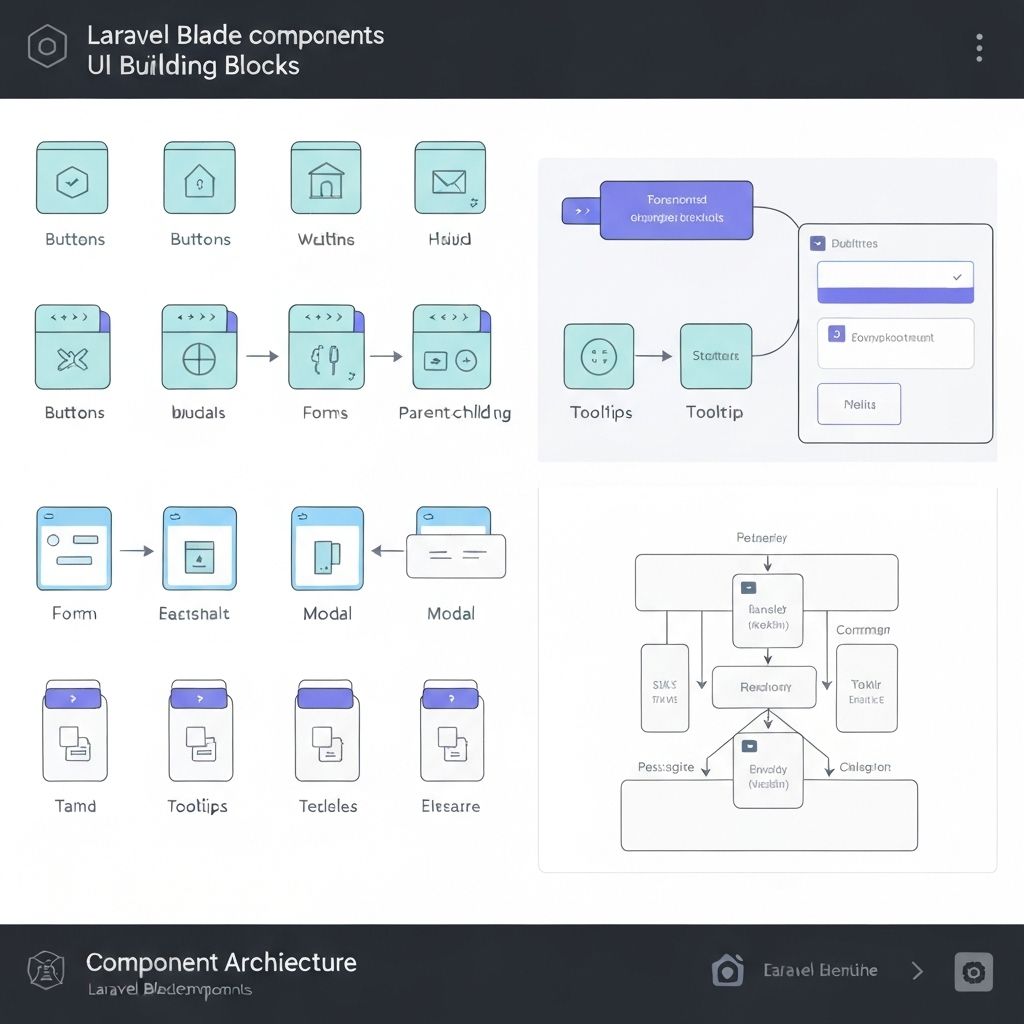
L
Laravel Guru
12 min read
LaravelBladeComponents
Laravel Blade Components Deep Dive
If you've been building Laravel applications for a while, you've probably found yourself copying and pasting the same HTML patterns across different views. Alert boxes, modals, form inputs – the same structures appear everywhere. That's where Blade components come to the rescue!
After working with Blade components for over two years, I can confidently say they've transformed how I approach front-end development in Laravel. Let me share what I've learned about creating reusable, maintainable UI elements.
Why Blade Components Matter
Before components, we had partials and includes, but they lacked the power and flexibility that components provide. Components give us:
- Encapsulation: Logic and presentation bundled together
- Reusability: Write once, use everywhere
- Type safety: Proper data validation and defaults
- Better IDE support: Autocomplete and syntax highlighting
Creating Your First Component
Let's start with a practical example – an alert component that I use in almost every project:
php artisan make:component Alert
This creates two files:
app/View/Components/Alert.php(the component class)resources/views/components/alert.blade.php(the template)
Component Classes: The Brain of Your Component
Here's how I typically structure my Alert component class:
<?php namespace App\View\Components; use Illuminate\View\Component; class Alert extends Component { public function __construct( public string $type = 'info', public string $message = '', public bool $dismissible = false, public ?string $icon = null ) { // Set default icons based on type if (!$this->icon) { $this->icon = match($this->type) { 'success' => 'check-circle', 'error' => 'x-circle', 'warning' => 'exclamation-triangle', default => 'information-circle' }; } } public function render() { return view('components.alert'); } public function alertClasses(): string { return match($this->type) { 'success' => 'bg-green-50 border-green-200 text-green-800', 'error' => 'bg-red-50 border-red-200 text-red-800', 'warning' => 'bg-yellow-50 border-yellow-200 text-yellow-800', default => 'bg-blue-50 border-blue-200 text-blue-800' }; } }
The Component Template
Now for the Blade template (resources/views/components/alert.blade.php):
<div {{ $attributes->merge(['class' => 'border rounded-lg p-4 flex items-start space-x-3 ' . $alertClasses()]) }}> @if($icon) <svg class="w-5 h-5 mt-0.5 flex-shrink-0" fill="currentColor" viewBox="0 0 20 20"> <!-- Icon SVG based on $icon value --> </svg> @endif <div class="flex-1"> @if($message) <p class="font-medium">{{ $message }}</p> @endif @if($slot->isNotEmpty()) <div class="mt-1"> {{ $slot }} </div> @endif </div> @if($dismissible) <button type="button" class="ml-auto -mx-1.5 -my-1.5 rounded-lg p-1.5 hover:bg-black hover:bg-opacity-10" onclick="this.parentElement.remove()"> <svg class="w-4 h-4" fill="currentColor" viewBox="0 0 20 20"> <path fill-rule="evenodd" d="M4.293 4.293a1 1 0 011.414 0L10 8.586l4.293-4.293a1 1 0 111.414 1.414L11.414 10l4.293 4.293a1 1 0 01-1.414 1.414L10 11.414l-4.293 4.293a1 1 0 01-1.414-1.414L8.586 10 4.293 5.707a1 1 0 010-1.414z" clip-rule="evenodd"></path> </svg> </button> @endif </div>
Using Components: Multiple Ways
Here's the beauty of components – multiple ways to use them:
<!-- Simple usage with attributes --> <x-alert type="success" message="Operation completed successfully!" /> <!-- With slot content --> <x-alert type="warning" dismissible> <strong>Warning:</strong> This action cannot be undone. <a href="/learn-more" class="underline">Learn more</a> </x-alert> <!-- With additional CSS classes --> <x-alert type="error" class="mb-6 shadow-lg" message="Something went wrong!" /> <!-- Programmatic usage in controllers --> @if(session('success')) <x-alert type="success" :message="session('success')" dismissible /> @endif
Advanced Component Patterns
Anonymous Components
For simple components, you don't always need a class. Create a file in resources/views/components/ and use it directly:
<!-- resources/views/components/card.blade.php --> <div {{ $attributes->merge(['class' => 'bg-white rounded-lg shadow-md p-6']) }}> @isset($title) <h3 class="text-lg font-semibold mb-4">{{ $title }}</h3> @endisset {{ $slot }} </div> <!-- Usage --> <x-card title="User Profile" class="max-w-md"> <p>User content goes here...</p> </x-card>
Nested Components
Components can contain other components. Here's a form component that uses multiple sub-components:
<!-- resources/views/components/form/group.blade.php --> <div {{ $attributes->merge(['class' => 'mb-4']) }}> {{ $slot }} </div> <!-- resources/views/components/form/label.blade.php --> <label {{ $attributes->merge(['class' => 'block text-sm font-medium mb-2']) }}> {{ $slot }} </label> <!-- Usage --> <x-form.group> <x-form.label for="email">Email Address</x-form.label> <input type="email" id="email" class="w-full rounded border-gray-300"> </x-form.group>
Component with Multiple Slots
<!-- resources/views/components/modal.blade.php --> <div class="fixed inset-0 bg-black bg-opacity-50 flex items-center justify-center"> <div class="bg-white rounded-lg max-w-md w-full mx-4"> @isset($header) <div class="px-6 py-4 border-b"> {{ $header }} </div> @endisset <div class="px-6 py-4"> {{ $slot }} </div> @isset($footer) <div class="px-6 py-4 border-t bg-gray-50 rounded-b-lg"> {{ $footer }} </div> @endisset </div> </div> <!-- Usage --> <x-modal> <x-slot:header> <h2 class="text-xl font-bold">Confirm Action</h2> </x-slot> <p>Are you sure you want to delete this item?</p> <x-slot:footer> <button class="btn btn-primary">Confirm</button> <button class="btn btn-secondary">Cancel</button> </x-slot> </x-modal>
Pro Tips I've Learned
1. Use Method Chaining for Cleaner APIs
class Button extends Component { public function __construct( public string $variant = 'primary', public string $size = 'md' ) {} public function variantClasses(): string { return match($this->variant) { 'primary' => 'bg-blue-600 hover:bg-blue-700 text-white', 'secondary' => 'bg-gray-200 hover:bg-gray-300 text-gray-900', 'danger' => 'bg-red-600 hover:bg-red-700 text-white', }; } }
2. Leverage Attribute Bags
Always use $attributes to make your components flexible:
<button {{ $attributes->merge(['class' => 'px-4 py-2 rounded ' . $variantClasses(), 'type' => 'button']) }}> {{ $slot }} </button>
3. Create Component Libraries
I organize my components into logical groups:
resources/views/components/
├── form/
│   ├── input.blade.php
│   ├── select.blade.php
│   └── textarea.blade.php
├── ui/
│   ├── button.blade.php
│   ├── card.blade.php
│   └── modal.blade.php
└── layout/
    ├── header.blade.php
    └── sidebar.blade.php
Testing Components
Don't forget to test your components! Here's how I test the Alert component:
use function Pest\Laravel\{get}; it('renders alert with correct styling', function () { $component = new App\View\Components\Alert('success', 'Test message'); expect($component->alertClasses()) ->toContain('bg-green-50') ->toContain('text-green-800'); }); it('displays alert in view', function () { get('/test-alert') ->assertSee('Test message') ->assertSee('bg-green-50', false); });
Real-World Impact
Since implementing a comprehensive component library in my projects:
- Development speed increased by ~40%: No more writing repetitive HTML
- Design consistency improved: Components enforce design standards
- Bug reduction: Centralized logic means fewer places for errors
- Team collaboration: New developers can use components without knowing the implementation
Wrapping Up
Blade components have fundamentally changed how I approach front-end development in Laravel. They strike the perfect balance between simplicity and power, letting you create reusable UI elements without the complexity of a full JavaScript framework.
Start small – maybe with an alert or button component – and gradually build your library. Before you know it, you'll have a robust set of components that make building UIs a joy rather than a chore.
What components have you built in your Laravel applications? I'd love to hear about your experiences and any creative patterns you've discovered!
Related Posts
Tutorial
Advanced Laravel Eloquent Relationships
Master complex database relationships in Laravel with polymorphic relations, eager loading optimization, and advanced query techniques.
LaravelEloquentDatabase
By Laravel Guru
8 min read

Tutorial
Building Scalable APIs with Laravel Sanctum
Learn how to create secure, scalable APIs using Laravel Sanctum for authentication and authorization in modern web applications.
LaravelAPIAuthentication
By Laravel Guru
6 min read
Tutorial
Testing Laravel Applications Like a Pro
Master Laravel testing with PHPUnit, feature tests, and best practices for maintaining reliable applications.
LaravelTestingPHPUnit
By Laravel Guru
15 min read