Tips
Laravel Security Best Practices

L
Laravel Guru
9 min read
LaravelSecurityBest Practices
Laravel Security Best Practices
Security should be a top priority in any web application. Laravel provides many built-in security features, but you need to use them correctly.
Authentication Security
Use Strong Password Hashing
// Laravel uses bcrypt by default $hashedPassword = Hash::make($password); // Verify passwords if (Hash::check($password, $hashedPassword)) { // Password is correct }
Implement Rate Limiting
// In routes/web.php Route::middleware('throttle:5,1')->group(function () { Route::post('/login', [AuthController::class, 'login']); });
Input Validation
// Always validate user input $request->validate([ 'email' => 'required|email|max:255', 'password' => 'required|min:8|confirmed', ]);
CSRF Protection
<!-- Always include CSRF token in forms --> <form method="POST" action="/profile"> @csrf <!-- form fields --> </form>
SQL Injection Prevention
// Use Eloquent or Query Builder (automatically escaped) $users = DB::table('users')->where('email', $email)->get(); // If using raw queries, use parameter binding $users = DB::select('SELECT * FROM users WHERE email = ?', [$email]);
XSS Protection
<!-- Blade automatically escapes output --> {{ $userInput }} <!-- Only use unescaped output when absolutely necessary --> {!! $trustedHtml !!}
Environment Security
# Never commit .env files # Use strong, unique keys APP_KEY=base64:your-32-character-secret-key # Use HTTPS in production APP_URL=https://yourapp.com
Security is an ongoing process, not a one-time setup!
Related Posts

Tips
Laravel Performance Optimization Tips
Discover proven techniques to optimize your Laravel applications for better performance, including caching strategies and database optimization.
LaravelPerformanceOptimization
By Laravel Guru
5 min read
Tips
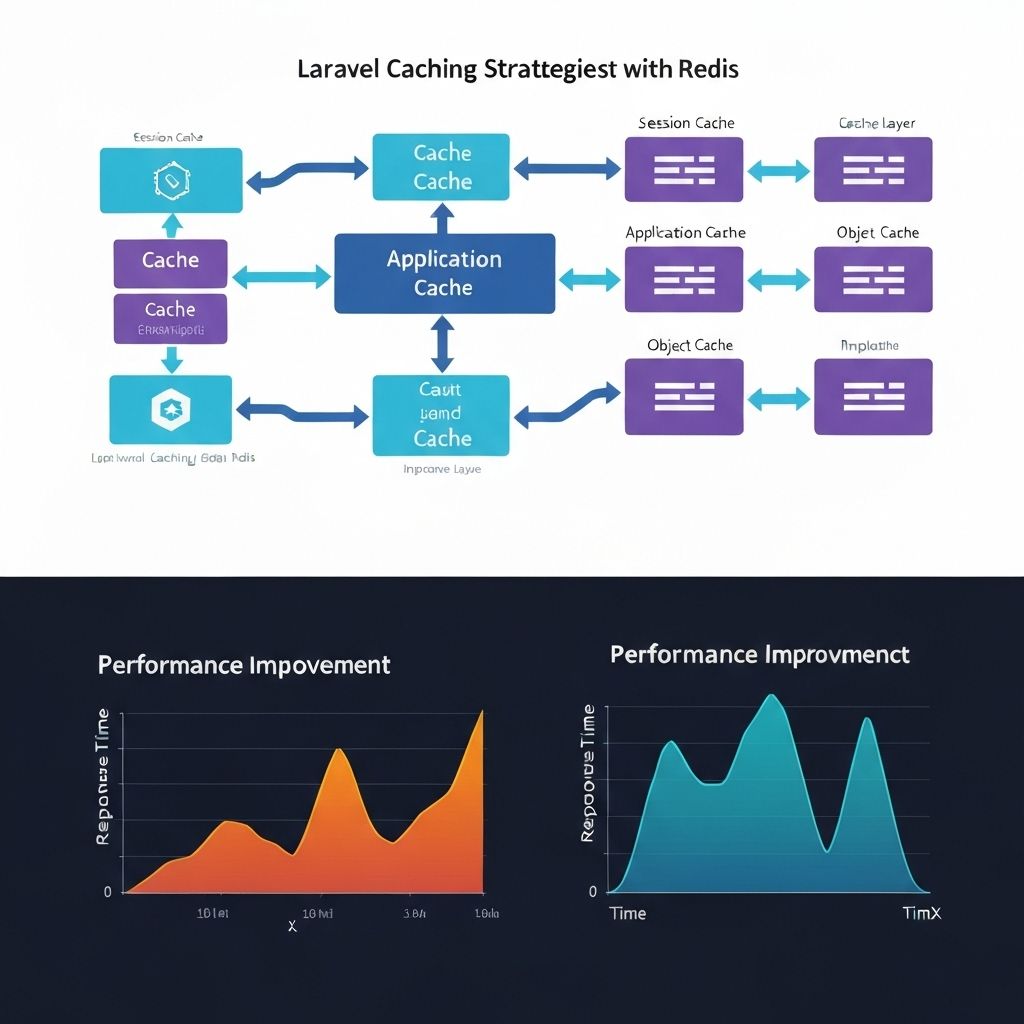
Laravel Caching Strategies for High Performance
Implement advanced caching strategies in Laravel to dramatically improve application performance and reduce database load.
LaravelCachingPerformanceRedis
By Laravel Guru
8 min read